
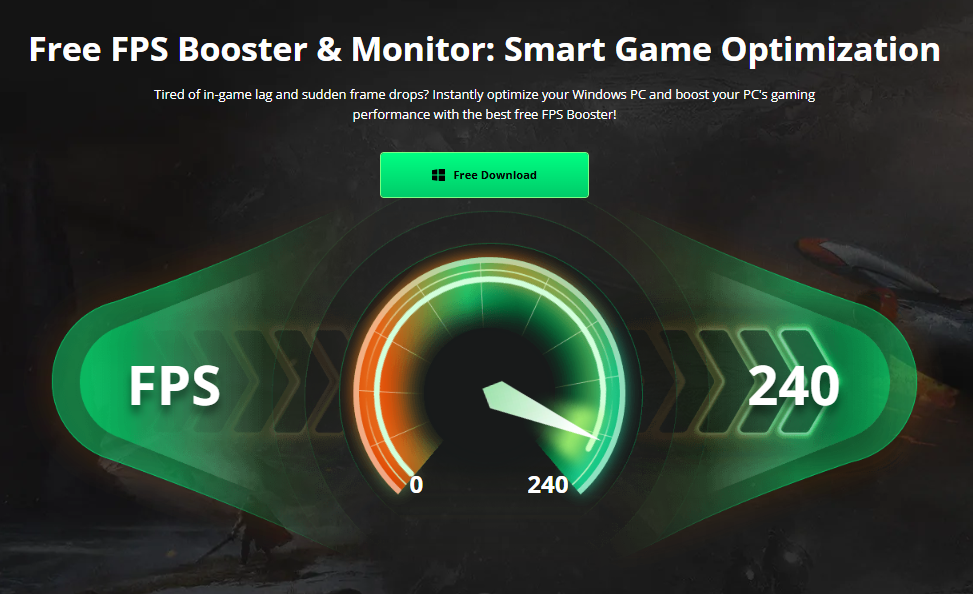
When a game starts feeling slow or unresponsive, I used to think the problem was always low FPS. After spending more time troubleshooting PC games, I realized that two very different problems can feel surprisingly similar: low frame rates and high network latency.understanding the difference has become an important part of how I troubleshoot gaming problems. If my FPS is low, I look at my PC and graphics performance. If my ping is high, I investigate the network instead.this is where Smart Game Booster can be useful. Rather than simply trying to make a game run faster, I can use its monitoring and optimization features to gather more information about what is happening on my computer.i also think of an FPS Booster differently now. A tool that helps optimize PC performance can potentially improve frame rates in some situations, but it cannot solve every type of gaming lag.
Why High Ping and Low FPS Feel Similar
The first thing I noticed is how easy it is to confuse these two problems during a fast game.
When FPS drops, the game may look choppy. Movements can appear less fluid, animations may become inconsistent, and quick actions can feel uncomfortable.high ping creates a different problem. The game may continue displaying frames smoothly, but my actions can take longer to reach the server and return. In an online shooter, for example, I might move or shoot and notice a delay before the server responds.because both situations can make gaming feel unpleasant, I prefer checking the numbers instead of relying only on how the game feels.
What Low FPS Actually Means
FPS stands for frames per second. It represents how many frames my computer can render and display during gameplay.when FPS is low, I usually investigate the PC itself. The graphics card may be under heavy load, the processor may be struggling, or the game’s graphics settings may be too demanding.Other factors can also contribute. Background applications, outdated drivers, insufficient memory, high temperatures, or other system limitations may affect performance.if I see my FPS dropping while GPU or CPU usage is high, that gives me a useful clue. I can then focus on graphics settings, hardware utilization, temperatures, and other local performance factors.
What High Ping Means
Ping is related to network latency rather than graphics rendering. It measures how long communication takes between my device and the game server.if I have high ping, my computer can still produce a high FPS number. The game may look visually smooth, but online actions can feel delayed.This is particularly noticeable in competitive multiplayer games. A player can have excellent hardware and still experience frustrating gameplay if the network connection is unstable or the selected server is far away.That is why I never assume that upgrading my graphics settings or using an FPS-focused optimization will automatically fix network latency.
How I Use Smart Game Booster to Investigate
When I experience lag, I first look at the available performance information.smart Game Booster includes gaming-related monitoring features that can help me keep an eye on FPS and hardware conditions. Its tools can also provide network-related information when the relevant network acceleration features are available.this gives me a more structured way to investigate the problem.if my FPS is dropping while the network connection looks normal, I concentrate on PC performance. If my FPS remains stable but latency is high, I know that I should investigate the connection instead.The important part is not simply seeing a number. I use the information to decide which problem I should troubleshoot next.
Three Signs I Look For During Testing
1. The Game Looks Choppy
If the game visibly stutters or animations become inconsistent, I check FPS first. A sudden drop in frames can make the entire game feel less responsive.i also check whether the problem occurs during demanding scenes. If it consistently happens when there are many characters, effects, or objects on screen, the graphics workload may be responsible.
2. The Game Looks Smooth but Actions Feel Delayed
This is where I start thinking about ping.
If my FPS remains stable but shooting, movement, or other online actions feel delayed, I do not immediately change graphics settings. I check the network connection and latency instead.this can save time because changing PC performance settings will not necessarily solve a network problem.
3. Both Problems Happen Together
Sometimes I can experience low FPS and high ping at the same time. This makes troubleshooting more complicated. In this situation, I separate the problems: first determine whether the PC is struggling to render the game, then check the network independently. I also use the FPS Booster to see if improving frame rate stability changes the test results.
My Three-Stage Setup Process
When I install and prepare Smart Game Booster, I keep the process simple.
Stage 1: Install the software
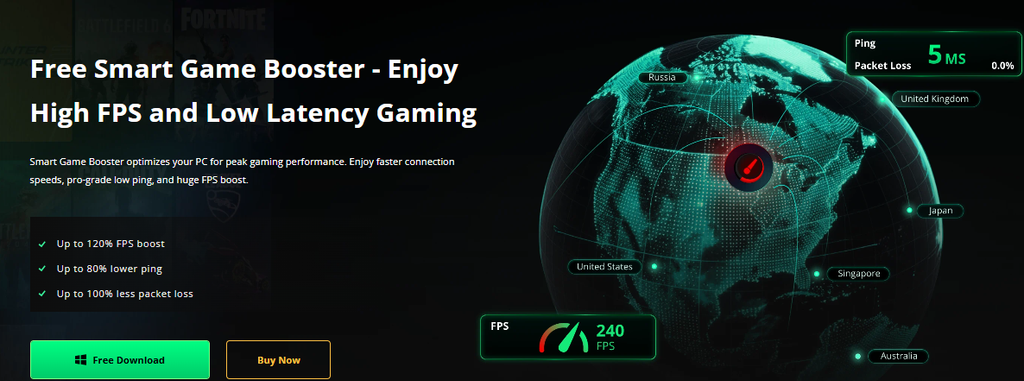
I downloaded and installed Smart Game Booster on my Windows PC and completed the setup process. After installation, I open the main interface and allow it to identify my available games.
Stage 2: Select the game and check performance
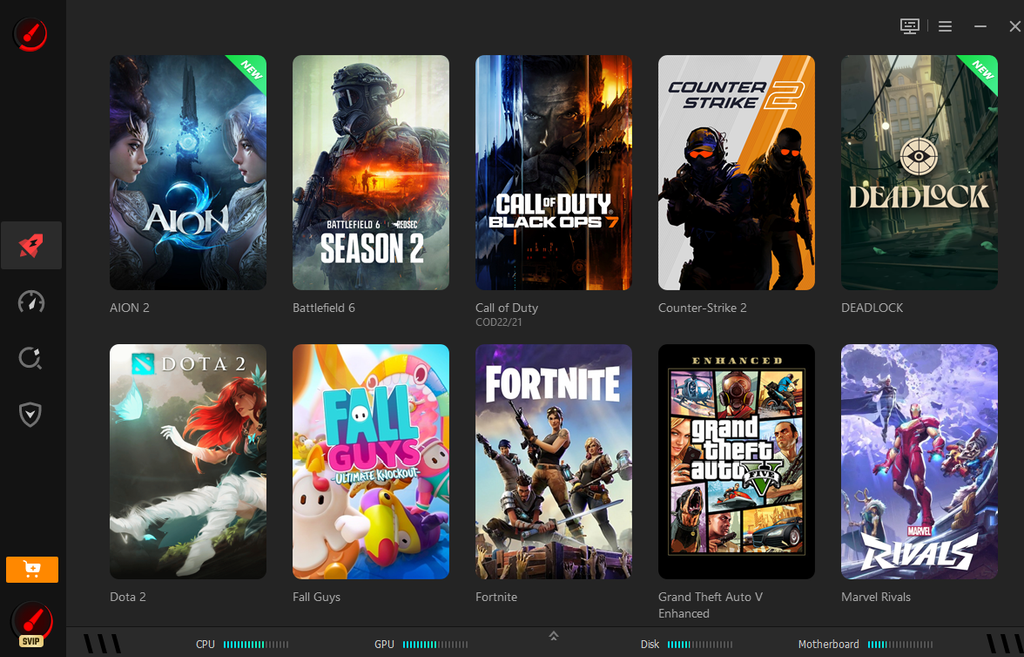
I choose the game I want to test and review the available optimization options. Before making changes, I pay attention to my normal FPS, system usage, and temperatures.For online games, I also pay attention to network behavior so I can compare the results properly.
Stage 3: Network Acceleration In Action
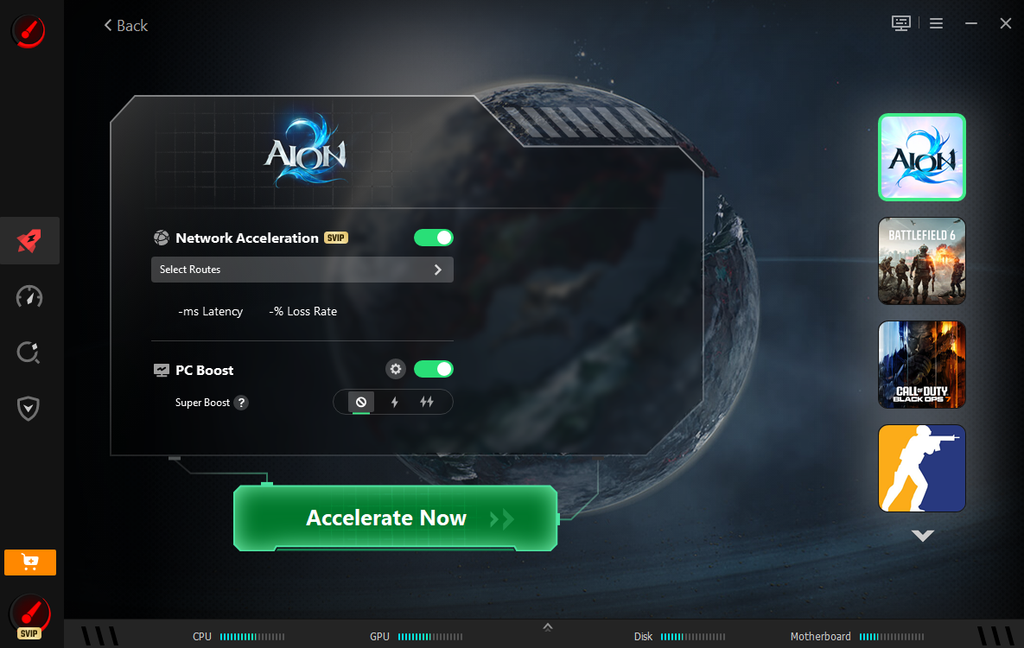
Select the game and click the Accelerate Now button to activate network acceleration. I then launch the game for testing. I replicate the same gameplay scenario and compare results. I check if FPS stability improves or network issues persist to identify the root cause.
How I Avoid Misreading Performance Numbers
Numbers can be useful, but they need context.
For example, seeing 60 FPS does not automatically mean that every gaming experience will feel perfect. Frame-time consistency, graphics settings, monitor refresh rate, and the type of game all affect how smooth gameplay feels.the same principle applies to ping. A low ping number is useful, but connection stability also matters. Sudden spikes can be more frustrating than a consistently moderate connection.That is why I prefer watching performance over several minutes instead of checking one number for a few seconds.
What Smart Game Booster Can and Cannot Do
I see Smart Game Booster as a troubleshooting and optimization tool rather than a guaranteed solution for every type of lag.it can help me manage games, monitor certain performance information, work with drivers, and apply available optimization settings. These features can make PC maintenance more convenient.however, it cannot overcome every hardware limitation. If my graphics card cannot handle a particular game at the desired settings, software optimization will not turn it into a more powerful GPU.likewise, if my internet connection is unstable or the game server is experiencing problems, changing local PC settings may not fix the latency.knowing these limitations actually makes the tool more useful because I can use it for the problems it is designed to address.
My Final Take
The biggest lesson I have learned is that “lag” is not a single problem. Low FPS and high ping can create similar frustration, but they come from different sources.when I use Smart Game Booster, I focus on identifying the source before making changes. If the FPS is low, I investigate my PC. If FPS is stable but online actions are delayed, I look at network latency. If both are affected, I troubleshoot them separately.that approach saves me from making random changes and gives me a clearer understanding of what my PC is doing.For everyday PC gaming, I find this data-driven approach more useful than simply searching for a quick performance fix. Smart Game Booster can support that process by bringing gaming optimization and monitoring tools together, while realistic testing helps me understand whether a change actually made a difference.